• InstructorIvan HalimauUnreal Authorized Instructor 2026
  • PriceFreeNo payment needed
  • Duration≈ 2 hours95% hands-⁠on practice
  • Lessons16 lessons3 chapters
  • FormatSelf-⁠pacedLearn anytime, at your own pace
  • LevelBeginnerNo experience needed
  • AccessInstantRight after email confirmation
  • LanguageEnglishAudio + subtitles
  • Access linkBy emailSent after you confirm it
  • SystemsWindows & macOSAll tools officially supported
  • Software used in training
    Unreal Engine 5.8Epic Games LauncherFab MarketplaceQuixel Megascans

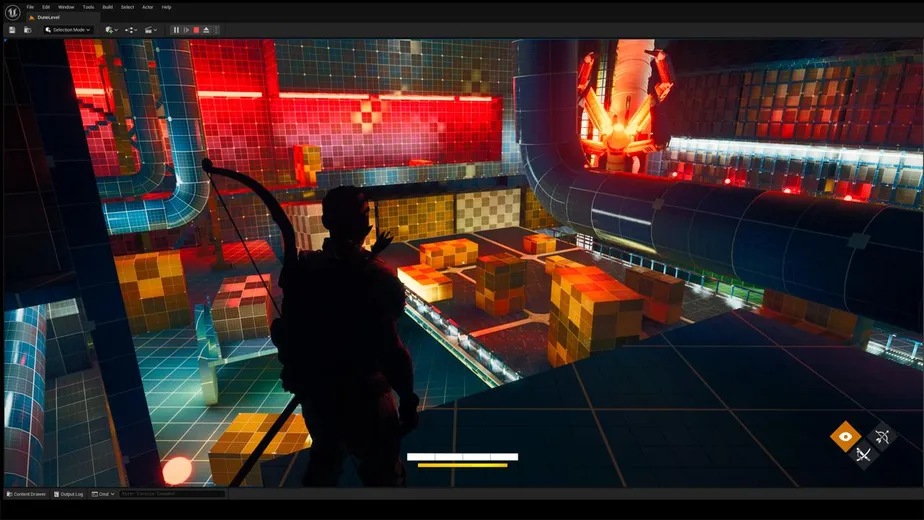
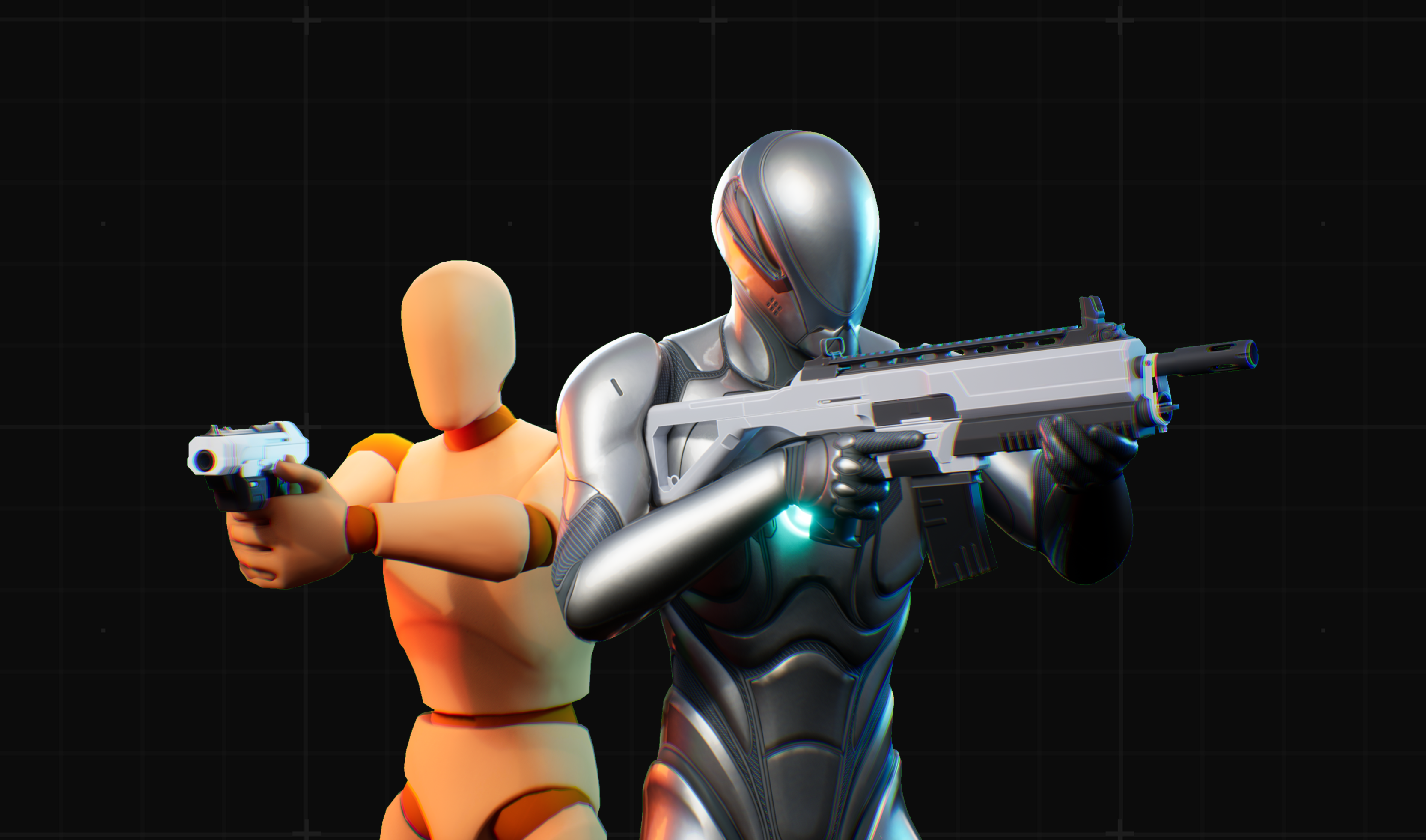
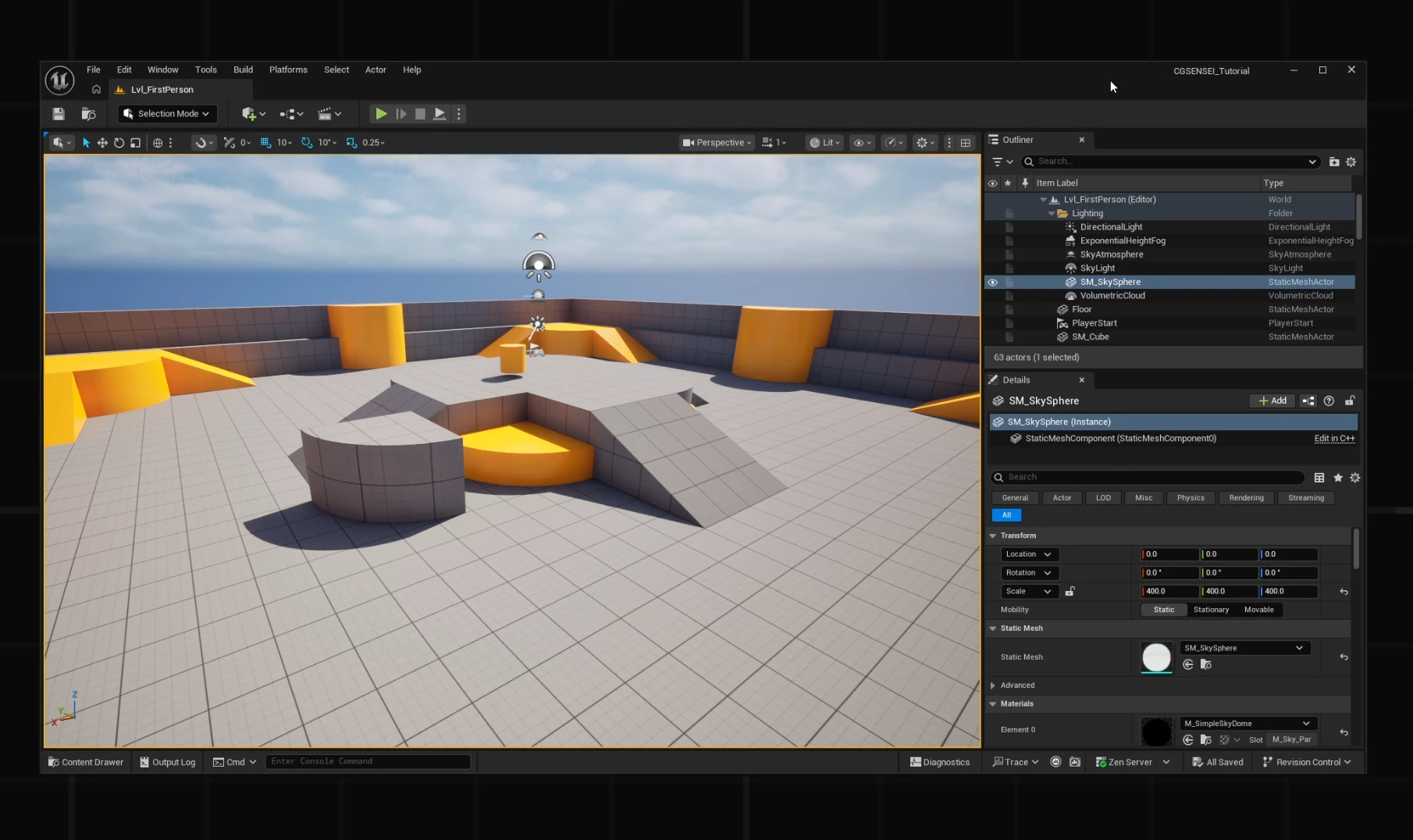
Your first steps in Unreal Engine 5 — completely free. In about two hours you’ll install the engine, learn the editor and build your first interactive shooter scene.

95% of the course is hands-⁠on practice: you import 3D models, set up PBR materials, create collisions, compare Nanite and LODs and get assets from the Fab marketplace — step by step, in your own project.

The course follows the same lesson structure as our main programs, so it’s the perfect way to see how we teach before you go further.

This course is for you if you want to

Who is thiscourse for?

Learn Unreal Engine 5

You’ve never used Unreal Engine before and want to learn it quickly — the right way from the start.

Bring your own 3D models into UE5

You’re a 3D artist and want to learn how to import and set up your models for work or your portfolio.

Switch from Unity to Unreal

You’ve been thinking about leaving Unity — now you have everything you need to start with Unreal Engine.

Refresh your UE4 knowledge

You want to work confidently in the latest Unreal Engine 5, even if your experience comes from UE4.

Prepare for Unreal Engine courses

You want to get ready for advanced training and feel confident from day one — without falling behind.

Get only what you need

You’re tired of filler and want structured, clear information on learning Unreal Engine 5.

Powered by Epic Games

What is Unreal Engine 5?

Unreal Engine

Unreal Engine 5 is a next-⁠generation engine for creating AAA video games and CGI cinematics of any genre and scale, powered by the most advanced graphics technology available today.

With Blueprints and C++ as its programming languages, your possibilities in GameDev and CGI are virtually limitless.

Industry standard · used by studios worldwide

Games built withUnreal Engine

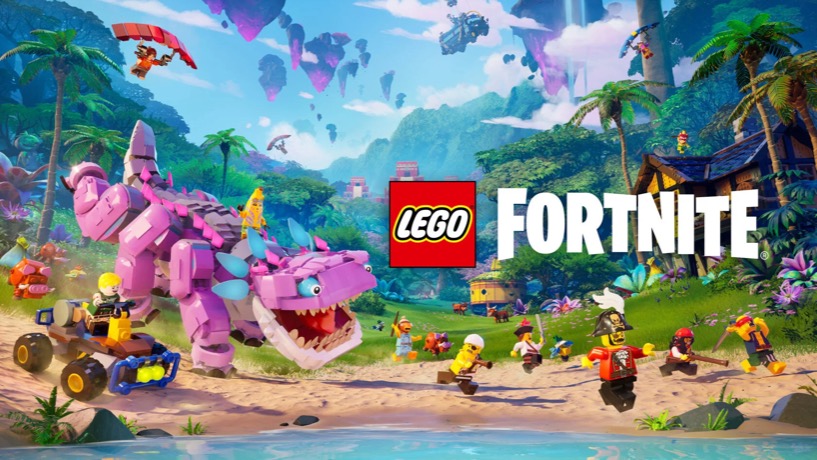
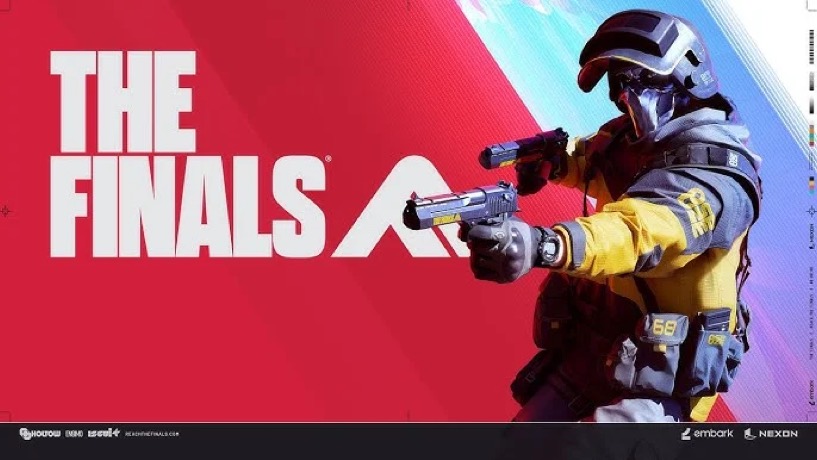
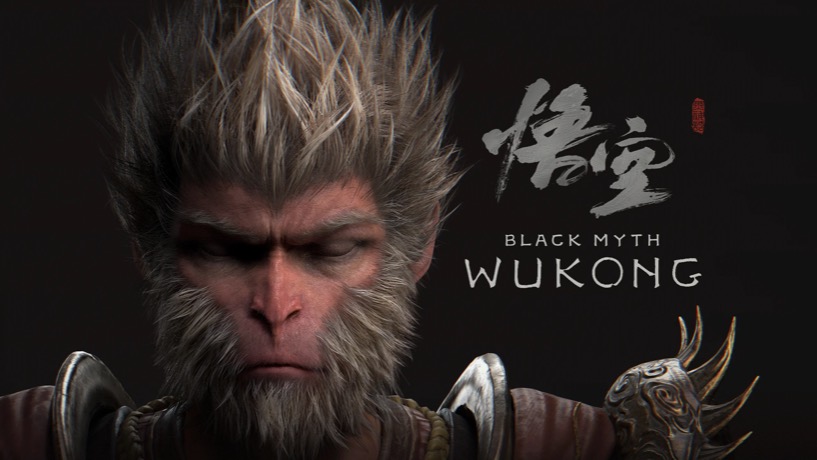
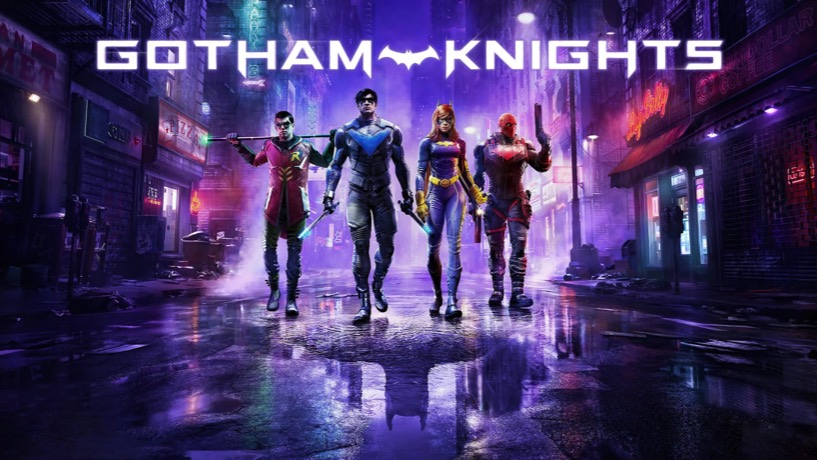
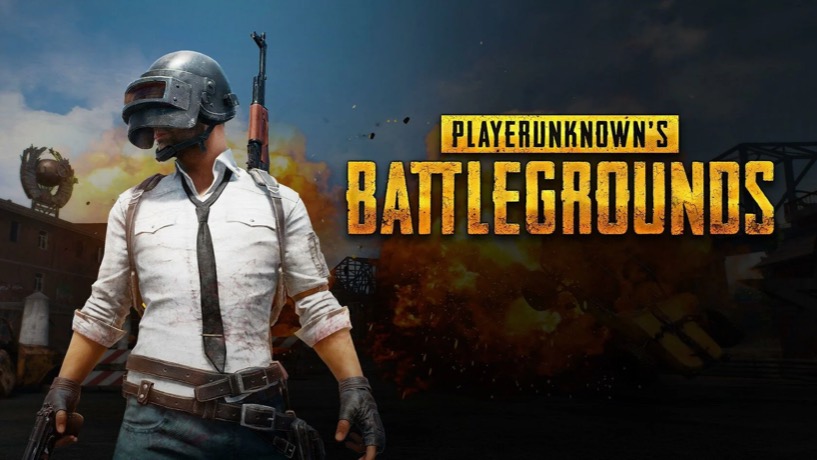
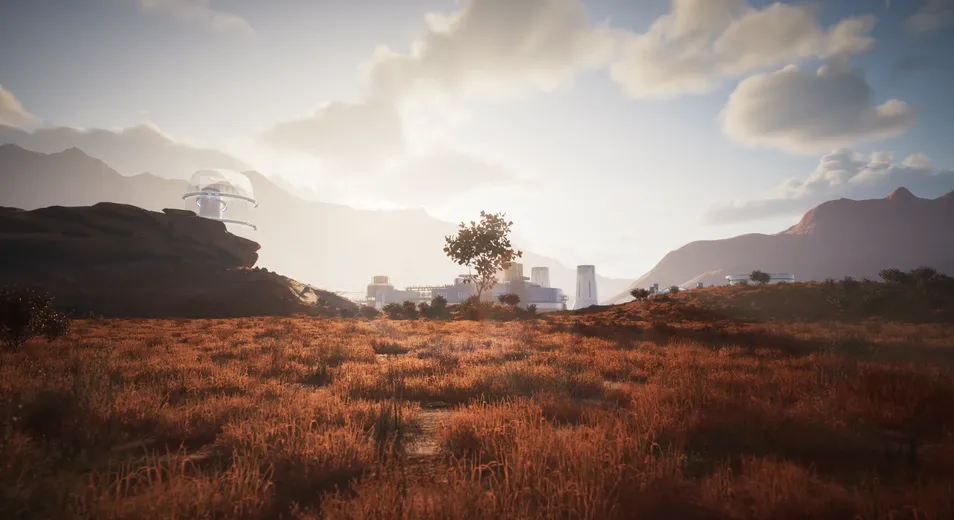
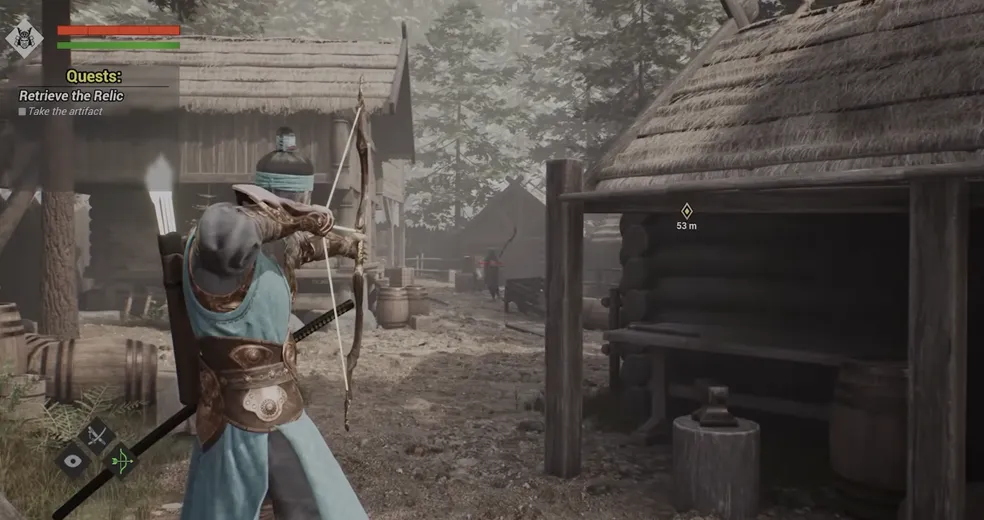
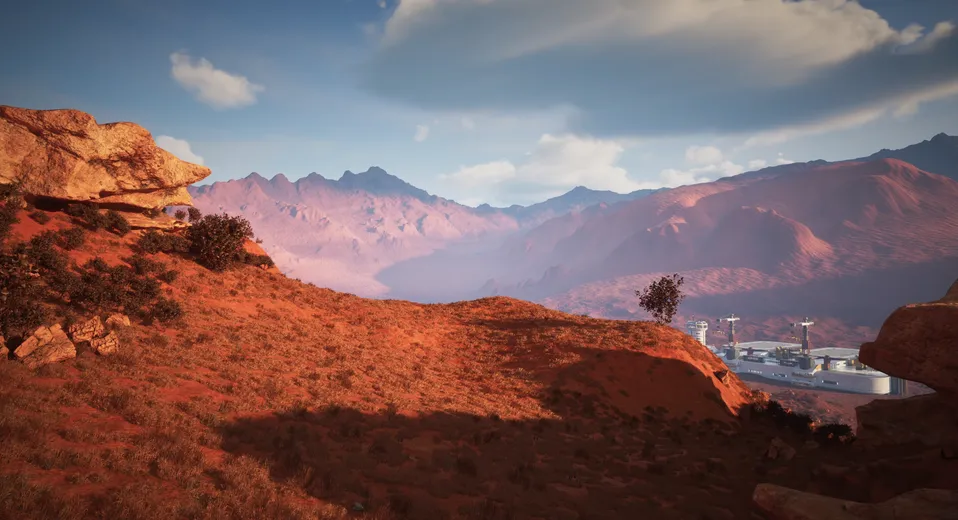
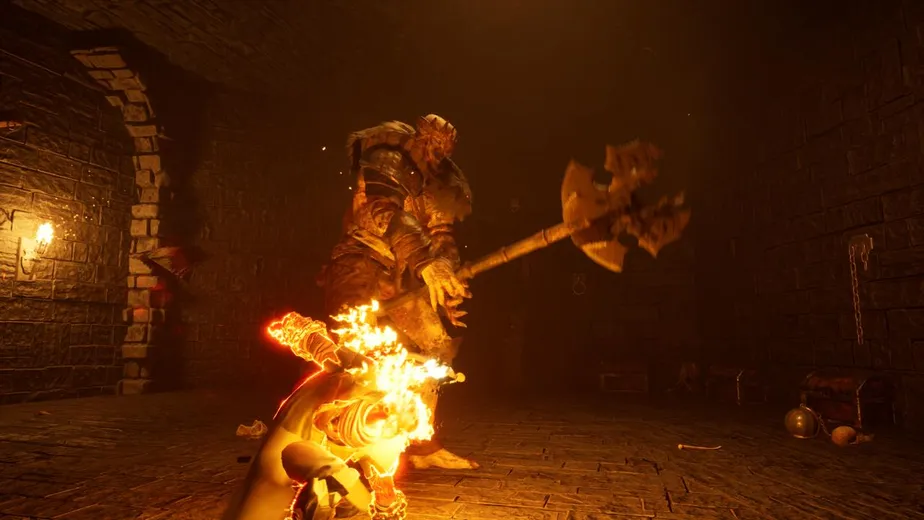
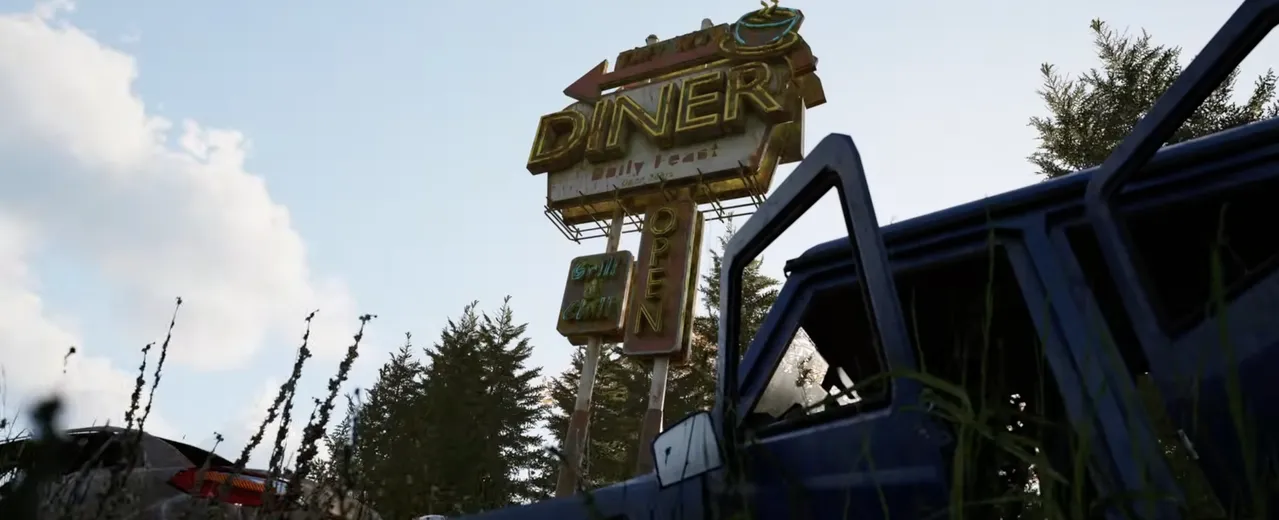
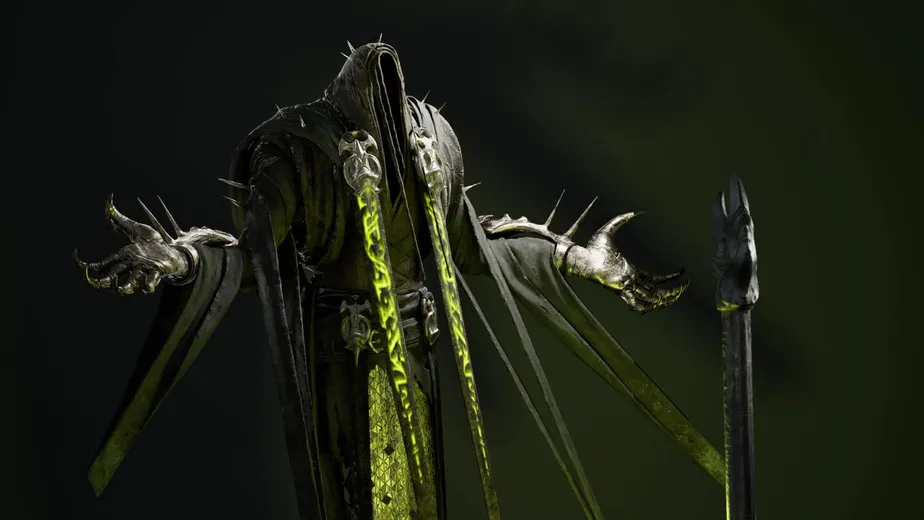
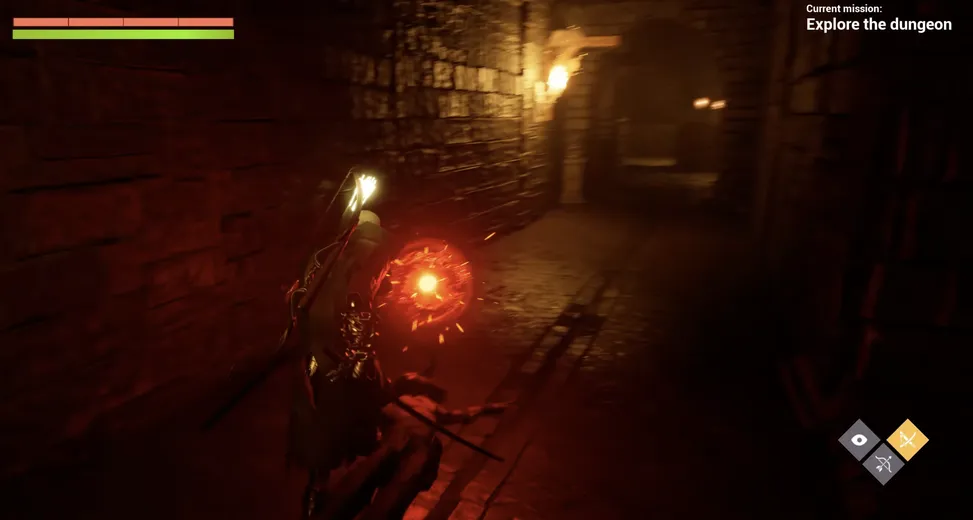
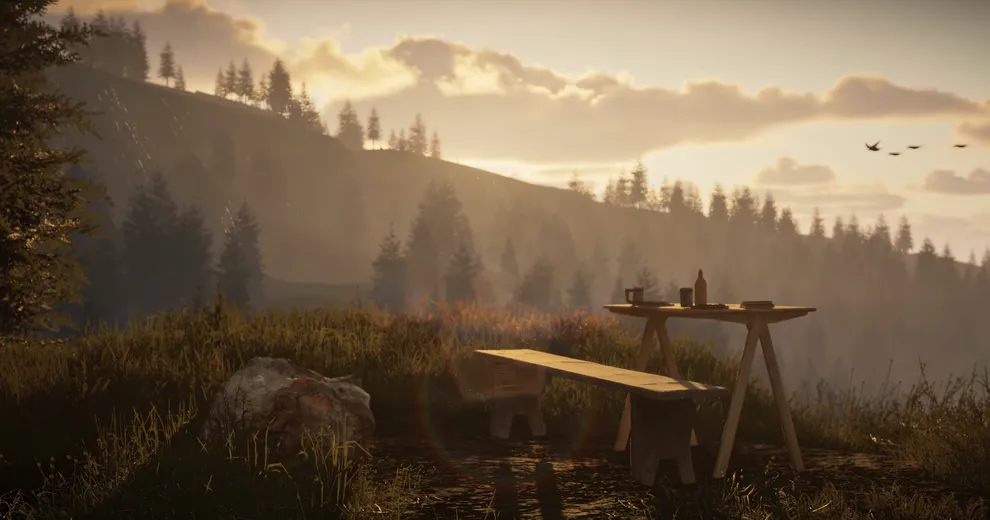
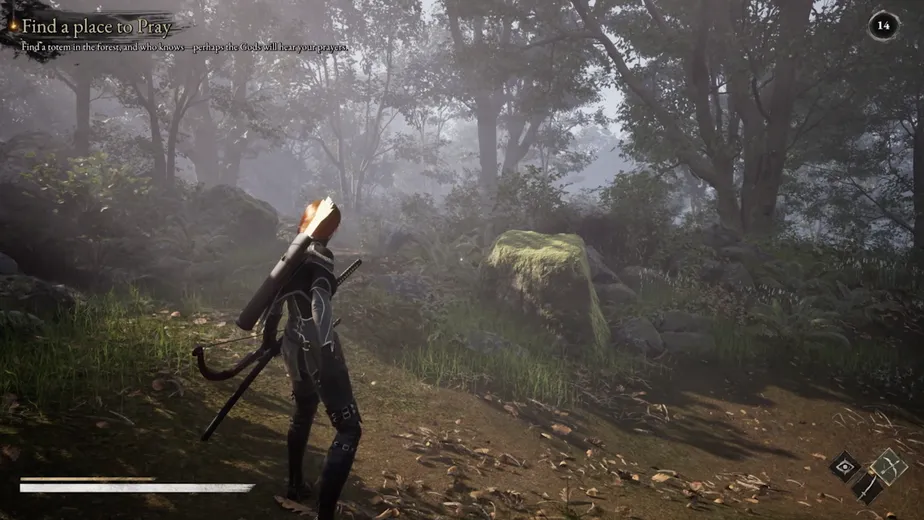
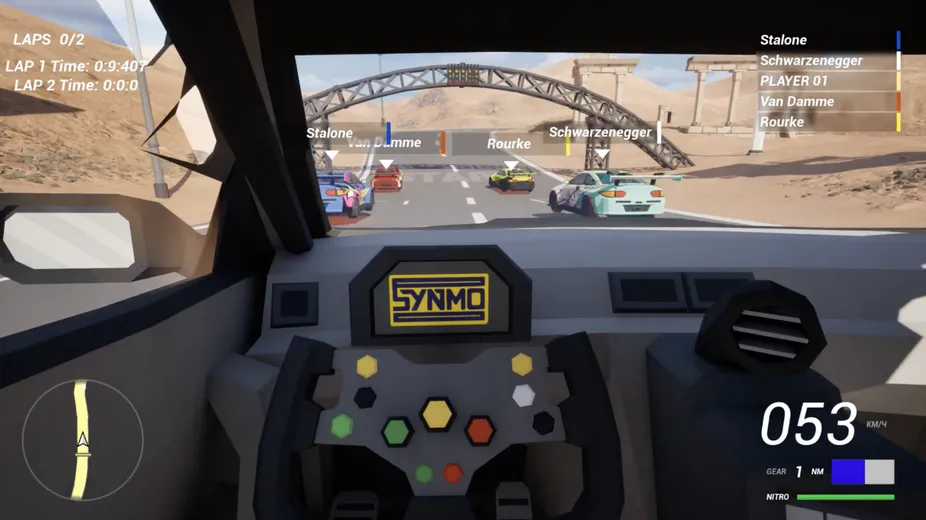
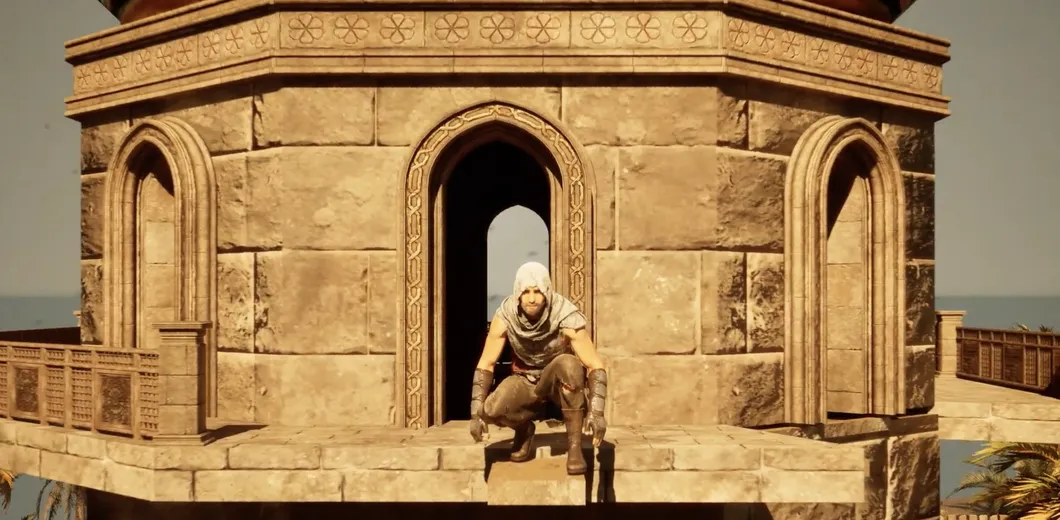
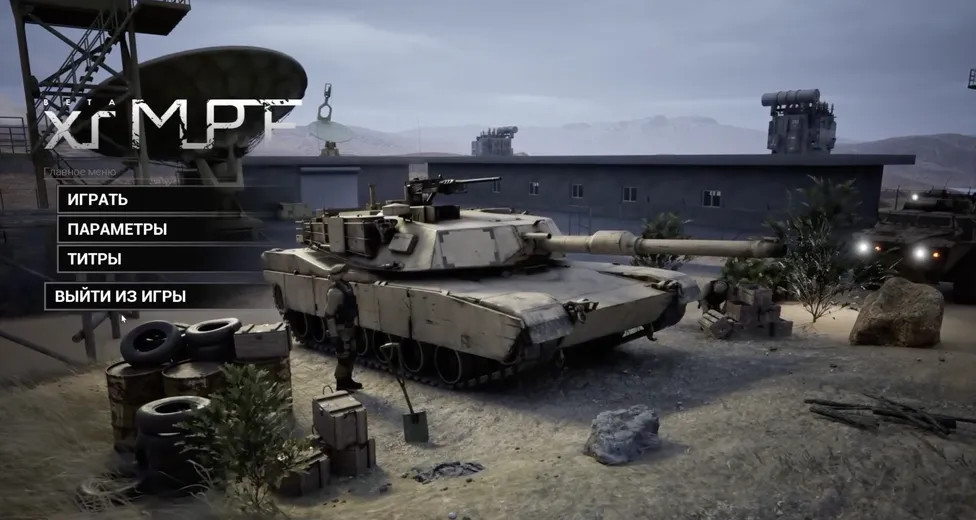
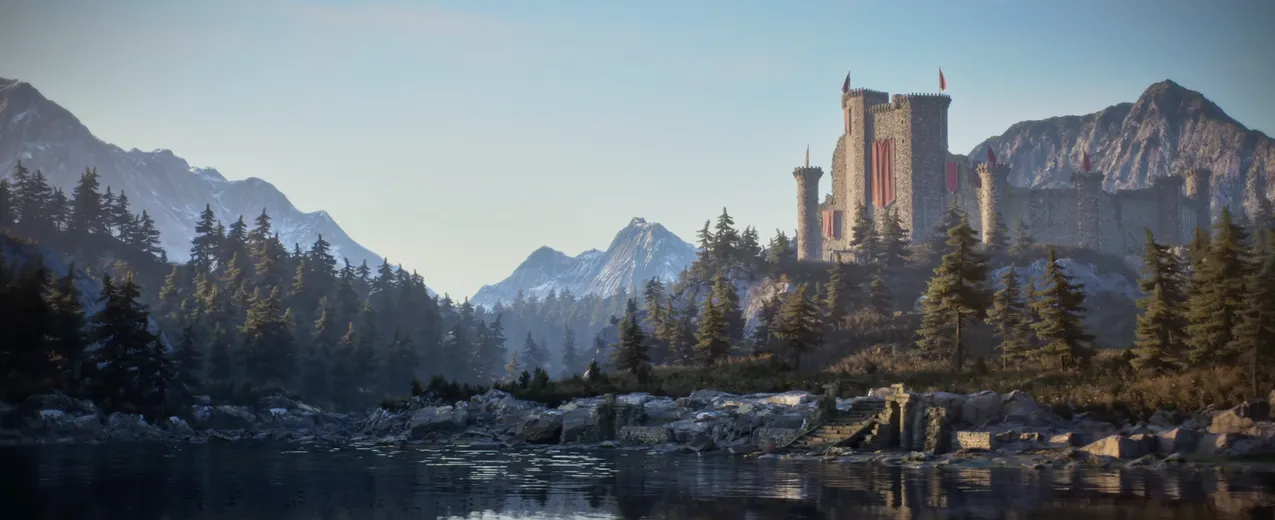
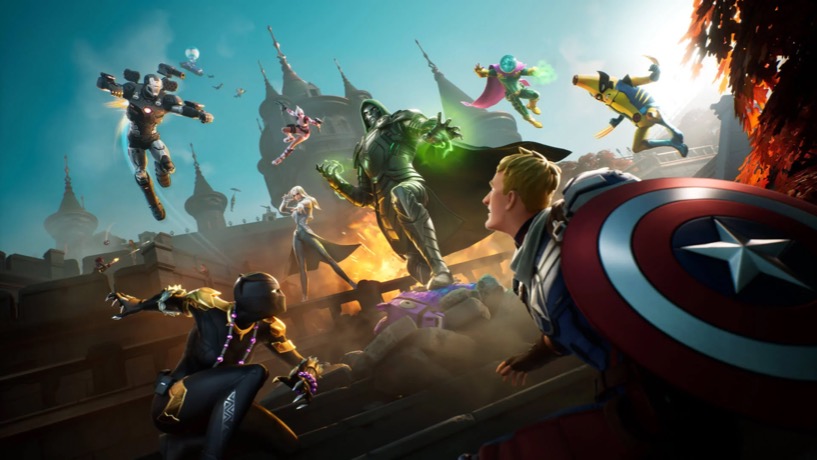
From Fortnite and Mortal Kombat 1 to Black Myth: Wukong — studios all over the world build their games with Unreal Engine. This is where you start.
  • Game built with Unreal Engine
  • Game built with Unreal Engine
  • Game built with Unreal Engine
  • Game built with Unreal Engine
  • Game built with Unreal Engine
  • Game built with Unreal Engine
  • Game built with Unreal Engine
  • Game built with Unreal Engine
  • Game built with Unreal Engine
  • Game built with Unreal Engine
  • Game built with Unreal Engine
  • Game built with Unreal Engine
  • Game built with Unreal Engine
  • Game built with Unreal Engine
  • Game built with Unreal Engine
  • Game built with Unreal Engine
  • Game built with Unreal Engine
  • Game built with Unreal Engine
  • Game built with Unreal Engine
  • Game built with Unreal Engine

Certified by Epic Games

We are anUnreal AuthorizedTraining Center

CGSENSEI™ Academy is officially accredited and certified
by Epic Games — your guarantee of training at the professional level.

As a UATC, we deliver skills from trusted experts, with industry-⁠standard techniques and real-⁠world applications. It's a mark of quality that ensures you're job-⁠ready, with knowledge valued by leading GameDev and CGI studios and employers.

Verified by Epic Games Expert Industry Mentors Portfolio-⁠Focused Projects Job-⁠Ready Skills
Unreal Authorized Training Center badge

Accredited · Est. 2026

What you’ll learn

CourseProgram

16 short lessons in three chapters — from your Epic Games account to your first interactive shooter scene. About two hours in total, 95% of it hands-⁠on practice.

Original voice-⁠over in English · No AI voices

Chapter I
Get started with the editor

8 lessons
  1. 00

    Creating an Epic Games Account

  2. 01

    Installing Unreal Engine 5

  3. 02

    Creating Projects

  4. 03

    Interface and Navigation

  5. 04

    Content Browser

  6. 05

    Working with Instance Levels

  7. 06

    Optimization Editor

  8. 07

    Backing Up Projects

Chapter II

Assets, materials & optimization

6 lessons
  1. 08

    Importing 3D Models

  2. 09

    PBR Materials Setup

  3. 10

    Creating Collision

  4. 11

    Nanite vs LODs

  5. 12

    The Fab Marketplace

  6. 13

    Migrating Assets Between Projects

Final Chapter

Your first scene & next steps

2 lessons
  1. 21

    Your First Interactive Shooter Scene

  2. 22

    From Prototype to Shipping: What Comes Next (UE6)

Ivan Halimau Unreal Authorized Instructor credential
>12YRS
Experience withUnreal Engine
>7YRS
ActiveTeaching
>10YRS
Commercial workin GameDev & CGI

Unreal Authorized Instructor 2026

Meet Your InstructorIvan Halimau

I'm the Founder and Lead Instructor of CGSENSEI™ Academy and a certified Unreal Authorized Instructor, accredited by Epic Games since 2023 to the present.

With over 12 years in Game Development and CGI production using Unreal Engine, I've led teams of 3D Artists, Unreal Engine Developers, C++ Programmers, and VFX Artists on projects for clients across the United States, Europe, Asia, and the CIS.

My industry work includes contributing to Fortnite as a 3D Environment Artist and UE5 Technical Artist, alongside collaborations with international studios across the GameDev and CGI industries.

Worked on projects such as

  • Epic GamesNorth Carolina, USAFortnite
  • Rogue ArtsBerlin, Germany
  • DragonFly StudiosSofia, Bulgaria
  • Fungi StudioMinsk, Belarus
  • ArtCraft EducationLondon, UK
  • VERO AgencyDubai, UAE
  • Feeling VisualWarsaw, Poland
  • WeWorksNew York, USAWeWork
  • SymbiosisNew Delhi, India
  • KAAPAmsterdam, Netherlands
  • DayBaseNew York, USA
  • EDGEHamburg, Germany
  • VORMRotterdam, Netherlands
  • BlinqAmsterdam, Netherlands
  • Fovéal StudiosParis, France
  • Shrouded DensityCopenhagen, Denmark

Free course · access by email

How do I getaccess to the course?

Enter your email and get instant access.
We’ll send the course link to your inbox.

  1. 1
    Click “Get Free Access”

    Then enter your email in the short sign-⁠up form.

  2. 2
    Enter and confirm your email

    Click the confirmation link we send you — it takes a few seconds.

  3. 3
    Get the course link in your inbox

    Open it and start with lesson 00 — at your own pace.

Free course · Self-⁠paced

Quick Start in Unreal Engine 5

Free

Beginner Edition · access by email

  • 16 video lessons in 3 chapters
  • 95% hands-⁠on practice in your own project
  • Course link sent straight to your inbox
  • Your first interactive shooter scene in UE5
  • Self-⁠paced: learn anytime, on any device
  • The same lesson structure as our main courses

Enter your email and get instant access.
We’ll send the course link to your inbox.

About Us — CGSENSEI™ Academy

Made in Austria.Built for the World.

CGSENSEI™ Academy is an Unreal Authorized Training Center
specializing in professional training programs for game development and CGI animation in Unreal Engine 5.

Founded by Unreal Authorized Instructor Ivan Halimau, the academy offers hands-⁠on courses and workshops for CGI artists, 3D animators and game developers around the world. We focus on real-⁠world production workflows.

Graduates · since 2023

1,270+

Students trained across 35+ countries — from their first Blueprint to a studio-⁠ready portfolio.

International academy

Est.
2023

We’ve been teaching artists and developers worldwide ever since — continuously and in multiple languages.

For every level

  1. Junior
  2. Middle
  3. Senior

From zero to PRO in just a few months — for complete beginners and studio professionals alike.

What we teach

  • Unreal Engine 5
  • Blueprints
  • C++
  • Level Design
  • Environment Art
  • Lighting
  • Cinematics
  • Animation
  • MetaHumans
  • VFX

Earning potential

€3,000+

per month, gross — a typical starting salary for an Unreal Engine developer role.

$100K+

from one indie release — what a successful own game on Steam can earn.

Market estimates — results depend on your skills and effort.

Our Journey

The path so far

  1. 2019

    Ivan Halimau starts actively teaching Unreal Engine to students across the CIS

  2. 2023

    CGSENSEI™ Academy is founded in Minsk and grows into the most popular Unreal Engine academy in the CIS

  3. 2024

    Ivan is accredited by Epic Games as an Unreal Authorized Instructor for 2023–2024

  4. 2025

    Epic Games renews Ivan’s Unreal Authorized Instructor status for 2025

  5. 2026+

    Based in Austria as an official Unreal Authorized Training Center — going worldwide in English and German

Your special invitation

Join Our PrivateUnreal Community

Join Unreal Engine & CGI artists on our Discord.

  • Portfolio Reviews

    Get feedback on your work from the community.

  • Weekly Challenges

    Practice, compete and level up every week.

  • Giveaways

    Win prizes and assets in community events.

  • Real Support

    Ask whenever you’re stuck — someone will help.

After the Quick Start

Your nextstep

Liked the way we teach? Continue with a full program and build your own games with weekly feedback from your Instructor.

Early Access

Build your own first games

Game Development in Unreal Engine 5: Foundations Edition

Certified Instructor:
Ivan Halimau
Beginner16 weeks / 60 hrProject FilesPortfolio Project
Early Access

Build Steam-⁠ready AAA games

Game Development in Unreal Engine 5: Advanced Edition

Certified Instructor:
Ivan Halimau
Advanced24 weeks / 95 hrProject Files3+ Portfolio Project

More than just videos

Why StudentsChoose Us

Step-⁠By-⁠Step
Group Learning

Each stage builds on the last — from basics to advanced, with hands-⁠on practice after every step.

Weekly Review
from Instructor

Learn in an online group with weekly deadlines and professional feedback that keep you motivated.

24/7 Community
Support in Discord

Get technical help anytime in our Discord from your Unreal Authorized Instructor, and fellow students.

24/7 Platform
Access

Access all tutorials on our platform anytime, so you can study at your own pace and around your schedule.

CGI Portfolio
for Ready Results

Every workshop ends with a real project built for ArtStation or Steam — portfolio proof of skill.

Certificate from an Official Training Center

Finish with an official certificate from our Unreal Authorized Training Center, valued by studios worldwide.

Student reviews — Real results

What OurStudents Say

Student showcase · Made in Unreal Engine 5

See What OurStudents Create

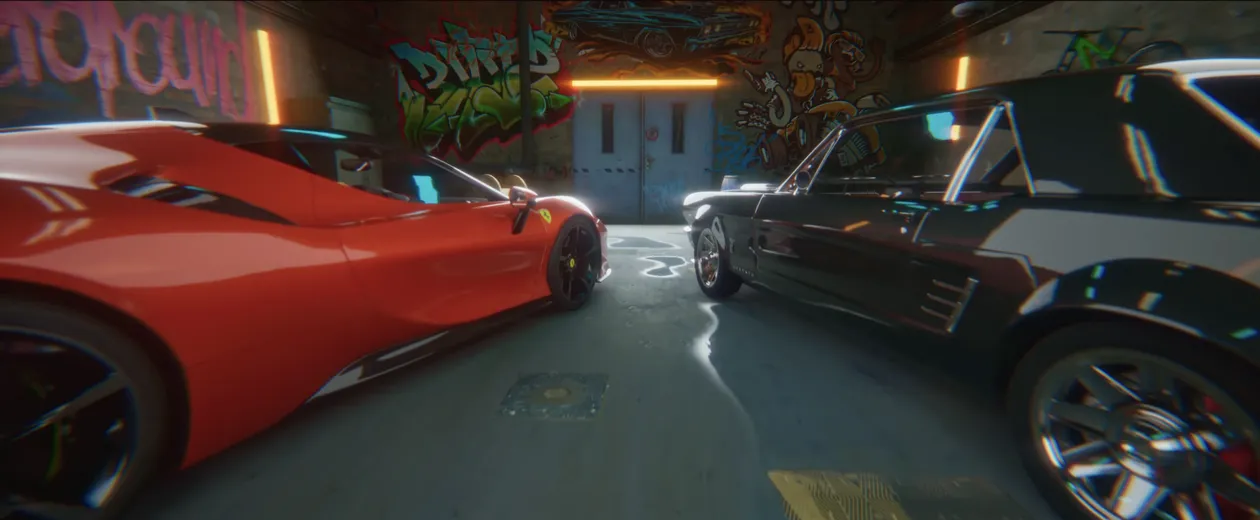
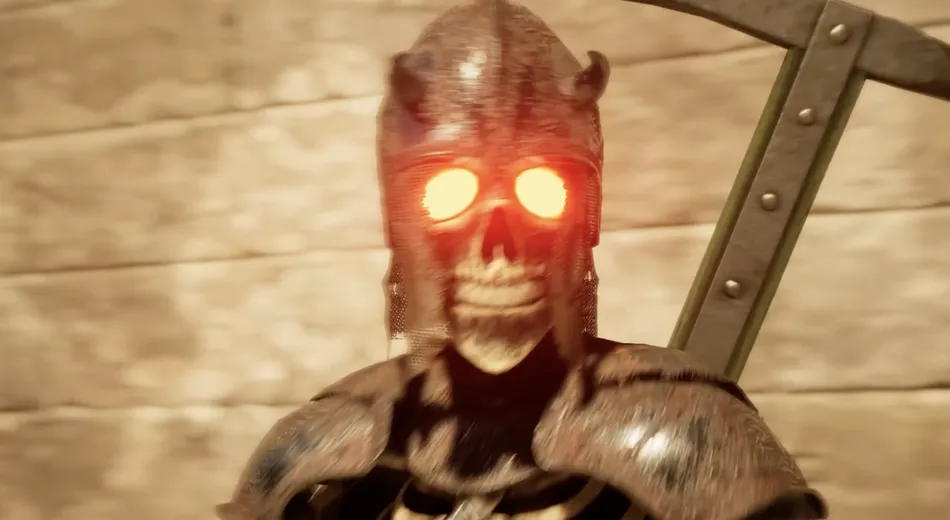
Real projects built by our portfolio students in Unreal Engine 5: AAA games, environments, automotive, CG characters and VFX cinematics
  • Student project made in Unreal Engine 5
  • Student project made in Unreal Engine 5
  • Student project made in Unreal Engine 5
  • Student project made in Unreal Engine 5
  • Student project made in Unreal Engine 5
  • Student project made in Unreal Engine 5
  • Student project made in Unreal Engine 5
  • Student project made in Unreal Engine 5
  • Student project made in Unreal Engine 5
  • Student project made in Unreal Engine 5
  • Student project made in Unreal Engine 5
  • Student project made in Unreal Engine 5
  • Student project made in Unreal Engine 5
  • Student project made in Unreal Engine 5
  • Student project made in Unreal Engine 5
  • Student project made in Unreal Engine 5
  • Student project made in Unreal Engine 5
  • Student project made in Unreal Engine 5
  • Student project made in Unreal Engine 5
  • Student project made in Unreal Engine 5
  • Student project made in Unreal Engine 5
  • Student project made in Unreal Engine 5
  • Student project made in Unreal Engine 5
  • Student project made in Unreal Engine 5
  • Student project made in Unreal Engine 5
  • Student project made in Unreal Engine 5
  • Student project made in Unreal Engine 5
  • Student project made in Unreal Engine 5
  • Student project made in Unreal Engine 5
  • Student project made in Unreal Engine 5
  • Student project made in Unreal Engine 5
  • Student project made in Unreal Engine 5
  • Student project made in Unreal Engine 5
  • Student project made in Unreal Engine 5
  • Student project made in Unreal Engine 5
  • Student project made in Unreal Engine 5
  • Student project made in Unreal Engine 5
  • Student project made in Unreal Engine 5
  • Student project made in Unreal Engine 5
  • Student project made in Unreal Engine 5
  • Student project made in Unreal Engine 5
  • Student project made in Unreal Engine 5
  • Student project made in Unreal Engine 5
  • Student project made in Unreal Engine 5
  • Student project made in Unreal Engine 5
  • Student project made in Unreal Engine 5
  • Student project made in Unreal Engine 5
  • Student project made in Unreal Engine 5
  • Student project made in Unreal Engine 5
  • Student project made in Unreal Engine 5
  • Student project made in Unreal Engine 5
  • Student project made in Unreal Engine 5
  • Student project made in Unreal Engine 5
  • Student project made in Unreal Engine 5
  • Student project made in Unreal Engine 5
  • Student project made in Unreal Engine 5
  • Student project made in Unreal Engine 5
  • Student project made in Unreal Engine 5
  • Student project made in Unreal Engine 5
  • Student project made in Unreal Engine 5
  • Student project made in Unreal Engine 5
  • Student project made in Unreal Engine 5
  • Student project made in Unreal Engine 5
  • Student project made in Unreal Engine 5
  • Student project made in Unreal Engine 5
  • Student project made in Unreal Engine 5
  • Student project made in Unreal Engine 5
  • Student project made in Unreal Engine 5
  • Student project made in Unreal Engine 5
  • Student project made in Unreal Engine 5
  • Student project made in Unreal Engine 5
  • Student project made in Unreal Engine 5
  • Student project made in Unreal Engine 5
  • Student project made in Unreal Engine 5
  • Student project made in Unreal Engine 5
  • Student project made in Unreal Engine 5

FAQ

Questions AboutThis Course

Can't find your answer here? Email us at

info@cgsensei.pro
Office hoursVienna time (MESZ)Mon–Thu
  • Mon –⁠ Thu10:00 – 17:00
  • Fri –⁠ Sun & HolidaysClosed

We usually reply within one business day.

Is the course really free?

Yes — the Quick Start is completely free — enter your email, confirm it and we’ll send the course link to your inbox. No payment needed.

Do I need any experience?

No. The course is made for complete beginners — we start with creating your Epic Games account and installing Unreal Engine 5.

How long does the course take?

About 2 hours of lessons, with 95% hands-⁠on practice. It’s self-⁠paced, so you can take it in one evening or spread it over a few days.

System requirements for macOS and Windows

You can take the course on either Windows or macOS — all tools, including Unreal Engine 5 and the Rider IDE, are officially supported.

Minimum requirements for UE5 on Windows:

  • Operating System: Windows 10/11 64-bit
  • Processor: Intel Core i5-2500K or AMD FX-6300
  • Memory: 8 GB RAM or more
  • Graphics Card: NVIDIA GeForce GTX 660 or AMD Radeon HD 7870
  • Storage (SSD): 100 GB of free space

Please note that Windows laptops without a dedicated graphics card are not suitable.
Minimum requirements for UE5 on macOS:
  • Processor: M1 Pro or higher
  • Memory: 16 GB RAM or more
  • Supported devices: MacBook Pro or Mac Mini/Studio
  • Storage (SSD): 100 GB of free space

Intel-⁠based MacBooks released before 2020 are not suitable. As an alternative, you can rent a cloud PC or a computer in a gaming club.

In which language is the course?

The course is in English — audio and subtitles. All voice-⁠over is recorded personally by the Instructor; we don’t use AI voices.

Will I get feedback on my work?

The Quick Start is a self-⁠paced course without personal reviews. Personal feedback from your Instructor is part of our Cohort Training programs: Foundations Edition and Advanced Edition.

What should I take after the Quick Start?
Join Discord